
 Image 1 of 1
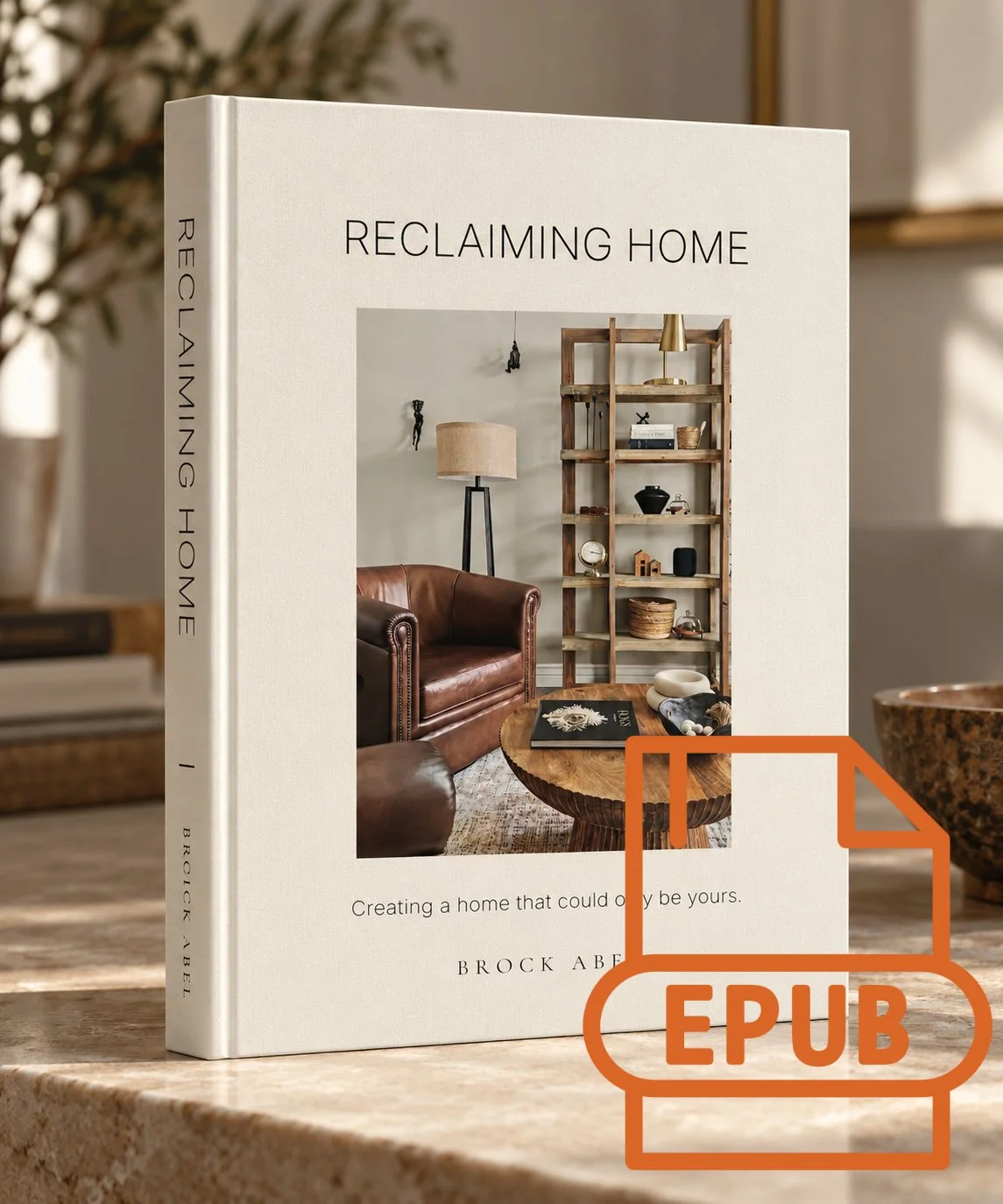
Reclaiming Home - e-Book Download
EPUB File, compatible with most e-readers.
Also Available directly on Amazon for Kindle Devices.
Reclaiming Home is a practical, approachable guide to creating a home that reflects who you are, how you live, and what matters most to you.
Blending professional interior design principles with personal stories and real-world advice, Brock Abel explores everything from furniture placement, scale, color, and lighting to the art of collecting meaningful pieces and making the most of what you already own.
Written for everyday homeowners, Reclaiming Home offers the knowledge and confidence to make thoughtful design decisions without chasing trends, following rigid rules, or starting from scratch.
Your home doesn't need to be perfect. It needs to feel like yours.
Digital Download Includes:
· EPUB edition compatible with most e-readers and reading apps.
This is a digital product. No physical book will be shipped.
_______________________________________________________________
How to Add an EPUB to Your E-Reader
A simple guide for reading your downloaded eBook
An EPUB is a common eBook file format. After downloading your book, follow the instructions for your device or reading
app below. You do not need to purchase the book again.
Amazon Kindle (Kindle devices and Kindle app)
The easiest method is Amazon’s free Send to Kindle service, which converts compatible EPUB files for Kindle reading.
1. Save the EPUB file to your phone, tablet, or computer.
2. 4. Visit amazon.com/sendtokindle and sign in to the Amazon account linked to your Kindle.
3. Upload your EPUB file and send it to your Kindle library.
Connect your Kindle or Kindle app to the internet, then open your Library and download the book.
TIP Do not simply copy an EPUB file to a Kindle over USB; use Send to Kindle for conversion. Processing can take a
few minutes.
Apple Books (iPhone or iPad)
1. Download the EPUB file using Safari, Mail, or another app.
2. 4. Open the Files app and locate the downloaded EPUB (often in Downloads).
3. Tap the file. If it does not open in Books, tap Share and choose Books.
Your book should appear in the Apple Books library.
Apple Books (Mac)
1. 2. 3. Download the EPUB file to your Mac.
Double-click the EPUB file, or open the Books app and choose File > Import.
Select the EPUB and open it from your Books library.
Kobo E-Readers
1. 2. 4. 5. Download the EPUB to a computer.
Connect your Kobo e-reader to the computer using a USB cable.
3. On the Kobo, tap Connect if prompted.
Open the Kobo drive on your computer and copy the EPUB file onto it.
Safely eject the Kobo and disconnect it. The book should appear in My Books after processing.
TIP These instructions are for DRM-free EPUB files. Kobo mobile apps may use different import steps.
Google Play Books (Android, iPhone, iPad, or web)
1. On a computer, visit play.google.com/books and sign in to your Google account.
2. Open Your books, then choose Upload files.
reclamationhomeco.com3. 4. Select the EPUB file and wait for it to process.
Open the Google Play Books app on your device using the same account, then find the book in your library.
TIP You can also open a downloaded EPUB on many Android devices and choose Upload to Play Books from the
sharing or open-with options.
Other E-Readers and Reading Apps
Many reading apps and devices support EPUB directly, including apps such as PocketBook Reader, ReadEra, and other
EPUB-compatible readers. The exact menu names vary.
1. Download and save the EPUB file.
2. 3. 4. Open your preferred reading app and look for Import, Add Book, Open File, or a + symbol.
Select the EPUB from your device’s Downloads or Files folder.
If using a dedicated e-reader, check whether it supports EPUB transfer by USB, cloud storage, or the manufacturer’s
app.
If Your Book Does Not Appear
• Confirm the file ends in .epub and has finished downloading.
• Check that you are using the same account on the upload website and reading device.
• Look under Library, Imported, Documents, or Files—not just the store or purchased-books tab.
• Restart the reading app or reconnect to Wi-Fi and allow time for syncing.
• If you downloaded a ZIP file, extract it first and import the EPUB inside.
Still having trouble? Consult your device manufacturer’s help pages for the latest import instructions.
RECLAMATION HOME • COLLECTED CONTEMPORARY INTERIORS
EPUB File, compatible with most e-readers.
Also Available directly on Amazon for Kindle Devices.
Reclaiming Home is a practical, approachable guide to creating a home that reflects who you are, how you live, and what matters most to you.
Blending professional interior design principles with personal stories and real-world advice, Brock Abel explores everything from furniture placement, scale, color, and lighting to the art of collecting meaningful pieces and making the most of what you already own.
Written for everyday homeowners, Reclaiming Home offers the knowledge and confidence to make thoughtful design decisions without chasing trends, following rigid rules, or starting from scratch.
Your home doesn't need to be perfect. It needs to feel like yours.
Digital Download Includes:
· EPUB edition compatible with most e-readers and reading apps.
This is a digital product. No physical book will be shipped.
_______________________________________________________________
How to Add an EPUB to Your E-Reader
A simple guide for reading your downloaded eBook
An EPUB is a common eBook file format. After downloading your book, follow the instructions for your device or reading
app below. You do not need to purchase the book again.
Amazon Kindle (Kindle devices and Kindle app)
The easiest method is Amazon’s free Send to Kindle service, which converts compatible EPUB files for Kindle reading.
1. Save the EPUB file to your phone, tablet, or computer.
2. 4. Visit amazon.com/sendtokindle and sign in to the Amazon account linked to your Kindle.
3. Upload your EPUB file and send it to your Kindle library.
Connect your Kindle or Kindle app to the internet, then open your Library and download the book.
TIP Do not simply copy an EPUB file to a Kindle over USB; use Send to Kindle for conversion. Processing can take a
few minutes.
Apple Books (iPhone or iPad)
1. Download the EPUB file using Safari, Mail, or another app.
2. 4. Open the Files app and locate the downloaded EPUB (often in Downloads).
3. Tap the file. If it does not open in Books, tap Share and choose Books.
Your book should appear in the Apple Books library.
Apple Books (Mac)
1. 2. 3. Download the EPUB file to your Mac.
Double-click the EPUB file, or open the Books app and choose File > Import.
Select the EPUB and open it from your Books library.
Kobo E-Readers
1. 2. 4. 5. Download the EPUB to a computer.
Connect your Kobo e-reader to the computer using a USB cable.
3. On the Kobo, tap Connect if prompted.
Open the Kobo drive on your computer and copy the EPUB file onto it.
Safely eject the Kobo and disconnect it. The book should appear in My Books after processing.
TIP These instructions are for DRM-free EPUB files. Kobo mobile apps may use different import steps.
Google Play Books (Android, iPhone, iPad, or web)
1. On a computer, visit play.google.com/books and sign in to your Google account.
2. Open Your books, then choose Upload files.
reclamationhomeco.com3. 4. Select the EPUB file and wait for it to process.
Open the Google Play Books app on your device using the same account, then find the book in your library.
TIP You can also open a downloaded EPUB on many Android devices and choose Upload to Play Books from the
sharing or open-with options.
Other E-Readers and Reading Apps
Many reading apps and devices support EPUB directly, including apps such as PocketBook Reader, ReadEra, and other
EPUB-compatible readers. The exact menu names vary.
1. Download and save the EPUB file.
2. 3. 4. Open your preferred reading app and look for Import, Add Book, Open File, or a + symbol.
Select the EPUB from your device’s Downloads or Files folder.
If using a dedicated e-reader, check whether it supports EPUB transfer by USB, cloud storage, or the manufacturer’s
app.
If Your Book Does Not Appear
• Confirm the file ends in .epub and has finished downloading.
• Check that you are using the same account on the upload website and reading device.
• Look under Library, Imported, Documents, or Files—not just the store or purchased-books tab.
• Restart the reading app or reconnect to Wi-Fi and allow time for syncing.
• If you downloaded a ZIP file, extract it first and import the EPUB inside.
Still having trouble? Consult your device manufacturer’s help pages for the latest import instructions.
RECLAMATION HOME • COLLECTED CONTEMPORARY INTERIORS